


BDG Game
BDG Game brings lottery, slots, casino, and sports betting together on web and app, with fast support, flexible payments, and an easy start to play.
- PaymentsUPI · USDT
- Min. depositRs. 100
- Min. withdrawalRs 110
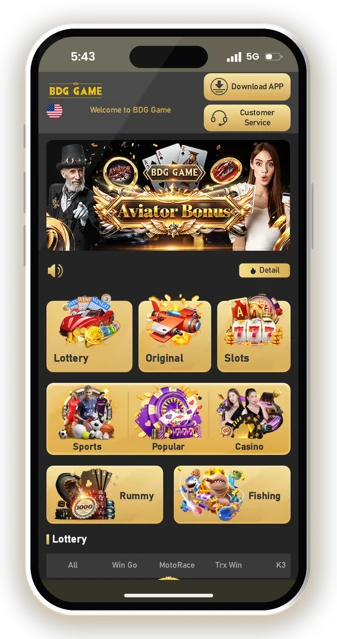
BDG Game is for players who want a clear look at how the platform works before they create an account or add money. You can use it on the website or through the app, and the focus is on real-money games.
You will find game options like lottery, slots, casino, and sports betting. Names such as Win Go, K3, Jili Game, AG Casino, and CMD sports appear inside these categories, so it helps to know where each type fits.
This page keeps the basics simple: how to start, what to check before playing, and how common account actions work. New players often rush into a game screen without reading the rules, which can lead to wrong picks or avoidable confusion.
Read the sections in order if you are new to BDG Game. If you already know the platform, you can jump to the part you need and check the current details inside the app before taking action.
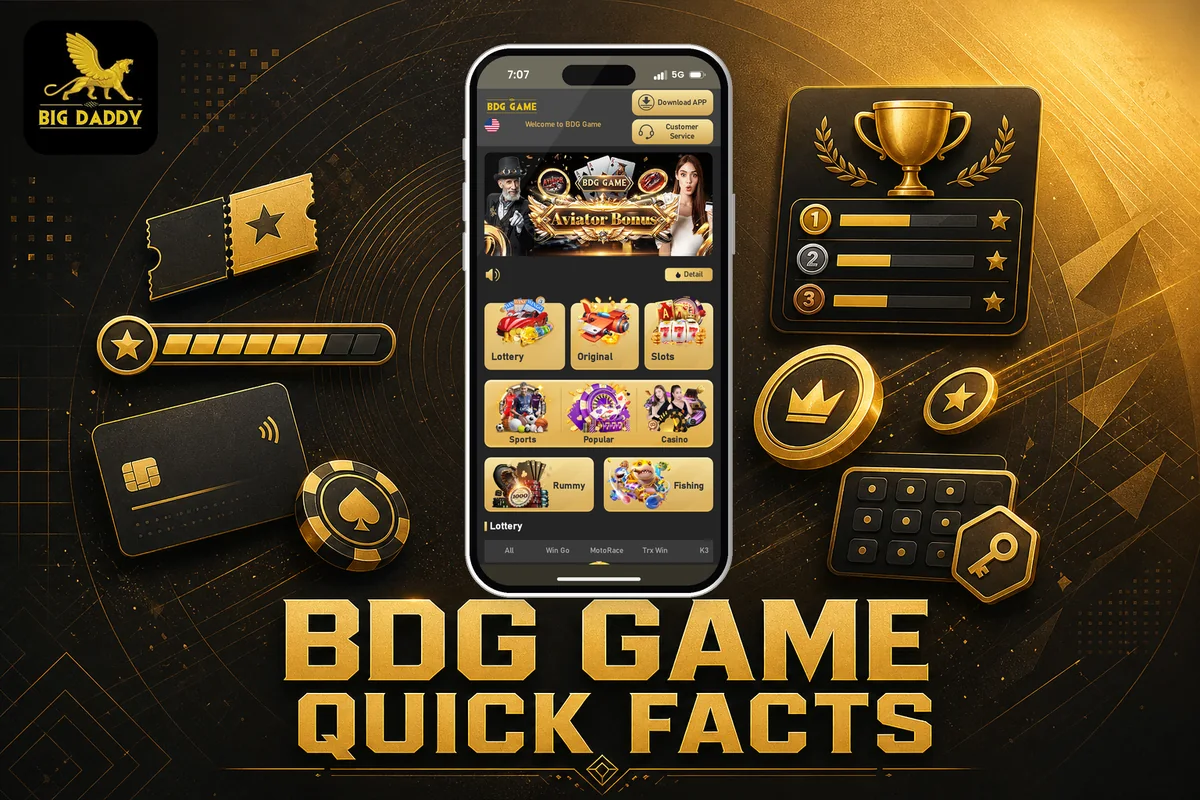
BDG Game Quick Facts
BDG Game is an online real-money gaming platform where you can play and bet on different games. You can access it through the BDG Game Official Website or use the app, depending on what is easier for you.
The platform includes lottery games, slots, casino games, and sports betting options. You will see names like Win Go, K3, Trx, Jili Game, JDB game, AG Casino, Evo Casino, CMD sports, 9 sports, and AG sports inside the game categories.
A practical point to remember: the app is not on the Play Store. If you choose the app route, you need the APK file and manual installation, so download only from the proper website link and check the file before installing.
Before adding money, look at the wallet screen and confirm the current payment option shown to you. New players often rush this part and miss basic details like the minimum amount or whether their chosen method is active.
| Access | Website and app |
| App availability | Not available on Play Store |
| File type | APK file |
| Install method | Install it manually |
| Minimum deposit | Rs. 100 |
| Minimum withdrawal | Rs 110 |
| Payment methods | UPI, USDT |
| Support | live chat through Customer Service at the top of the home page |
BDG Game works like most account-based real-money gaming platforms: you register, add money, choose a game category, and your account balance updates after play. For any game, read the rules on the screen first because lottery, slots, casino, and sports betting do not work the same way.
Keep the table above as a quick check before you start. If you see a different limit or option inside the app, follow the current app screen because BDG Game settings can change.
Which Games Can You Play On BDG Game?
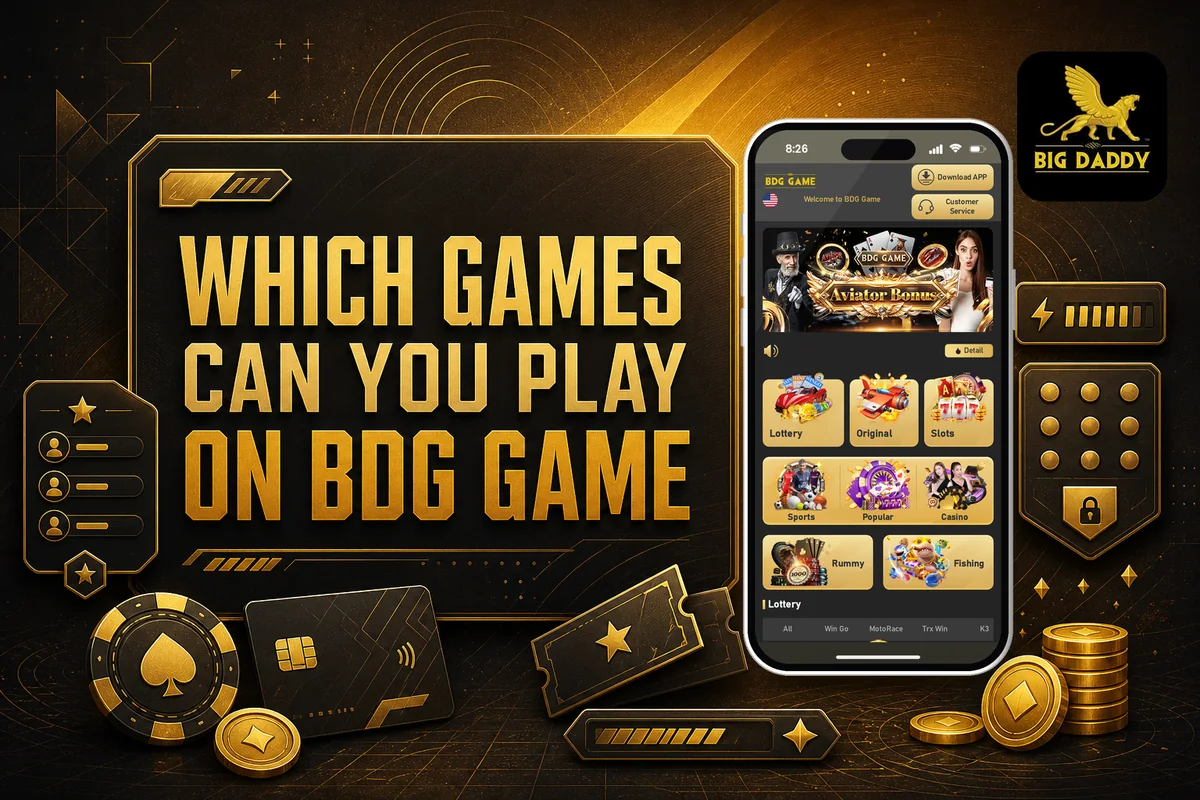
BDG Game gives you four main play areas: lottery, slots, sports, and casino games. If you want the full page with every title in one place, see the BDG Game Games List before you start choosing.
A good way to pick is to first check the category, then open the exact game and read its rules. Many new players skip this step and confuse similar names, especially in lottery and slots.
| Game Category | Games |
|---|---|
| Lottery Games | Win Go, K3, Trx, Wingo 1 min, Wingo 3 min |
| Slots Game | Jili Game, JDB game, Evolution, PG game, AG game |
| Sports Game | CMD sports, 9 sports, AG sports |
| Casino Games | AG Casino, Evo Casino |
Lottery Games

Lottery Games include Win Go, K3, Trx, Wingo 1 min, and Wingo 3 min. These games are usually picked by players who want quick round-based play, but you should still read the rules for timing and result format before placing any bet.
Slots Game

Slots Game options include Jili Game, JDB game, Evolution, PG game, and AG game. Slot titles can look simple, but each one may have different symbols, rounds, and payout rules, so check the game screen carefully before using your balance.
Sports Game

Sports Game choices include CMD sports, 9 sports, and AG sports. In this section, players usually look for match-based betting options. Before you place any sports bet, confirm the market, selection, and stake because a wrong tap can change the bet completely.
Casino Games

Casino Games include AG Casino and Evo Casino. These are the main casino options listed on BDG Game, and they are better suited for players who first understand the table or live game rules shown inside the game lobby.
The BDG Game Games menu is easiest to use when you choose by category instead of opening random titles. Start with the game names you recognise, then compare the rules inside the app before playing.
Top Features Inside BDG Game
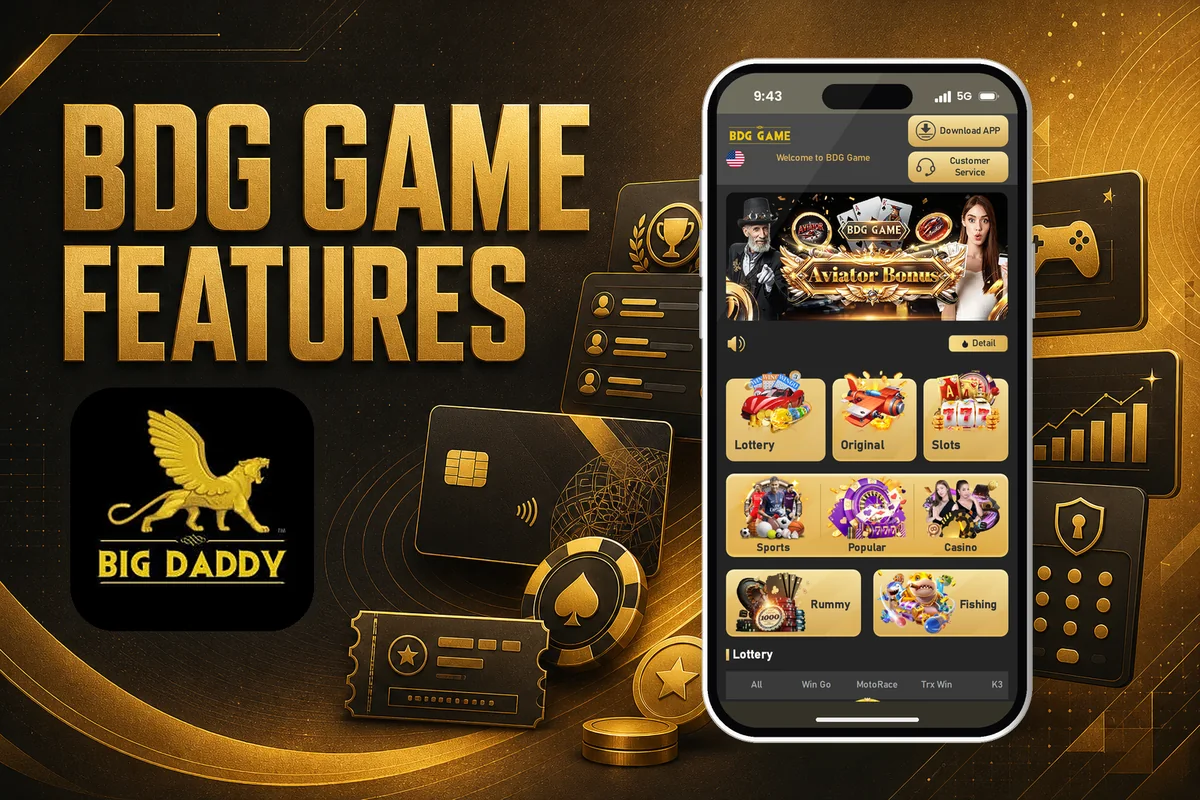
BDG Game keeps the main player needs close: quick balance updates, many game choices, APK access, invite rewards, and support inside the platform. These are the features you should understand before you start using money in the account.
A good feature is useful only when you know where it fits. Check each point calmly, especially wallet credit, game rules, and any bonus condition shown in your account.

Fast Wallet Updates
Deposited money is added instantly to your BDG account after payment completion. Winnings are also credited instantly to your account balance. Still, match the amount on the screen before you play, because new players often rush and miss a failed or pending payment status.

Wide Game Choice
You can choose from lottery, slots, casino, and sports betting sections. Lottery options include Win Go, K3, Trx, Wingo 1 min, and Wingo 3 min. Slots include Jili Game, JDB game, Evolution, PG game, and AG game.

Manual APK Install
The app is not available on Play Store, so you need to install it manually using the APK file. Download it from the BDG website and enable Unknown Sources only when needed. Avoid random APK links, as wrong files are a common mistake.

Invite Code Rewards
You can enter invite code 367265533900 during sign up if the field appears. There is also a Rs.500 limited offer sign up bonus. For sharing, your unique referral code or link is available in the Promotion section, where commission details are shown.

Website And App Access
BDG Game can be used through the website or the app. This helps if you prefer playing without installing anything, or if you want app access on your phone. Keep your phone number and password safe, because both are needed for account access.

Live Chat Support
Support is available through live chat from the Customer Service option at the top of the home page. Use it when wallet credit, account access, or platform steps are unclear. Give exact details, but do not share your password or sensitive login information.
Before using any feature, read the game rules shown inside the platform. Small checks before play usually prevent bigger account and wallet mistakes later.
How To Download The BDG Game App?
BDG Game is available on the website and as an Android app, but the app is not listed on the Play Store. You need to download the APK file and install it manually, so use the BDG Game App Download link only from the website.
Before installing, remember that an APK install needs one extra phone setting called Unknown Sources. This is normal for apps outside the Play Store, but you should still check the file source carefully before tapping install.
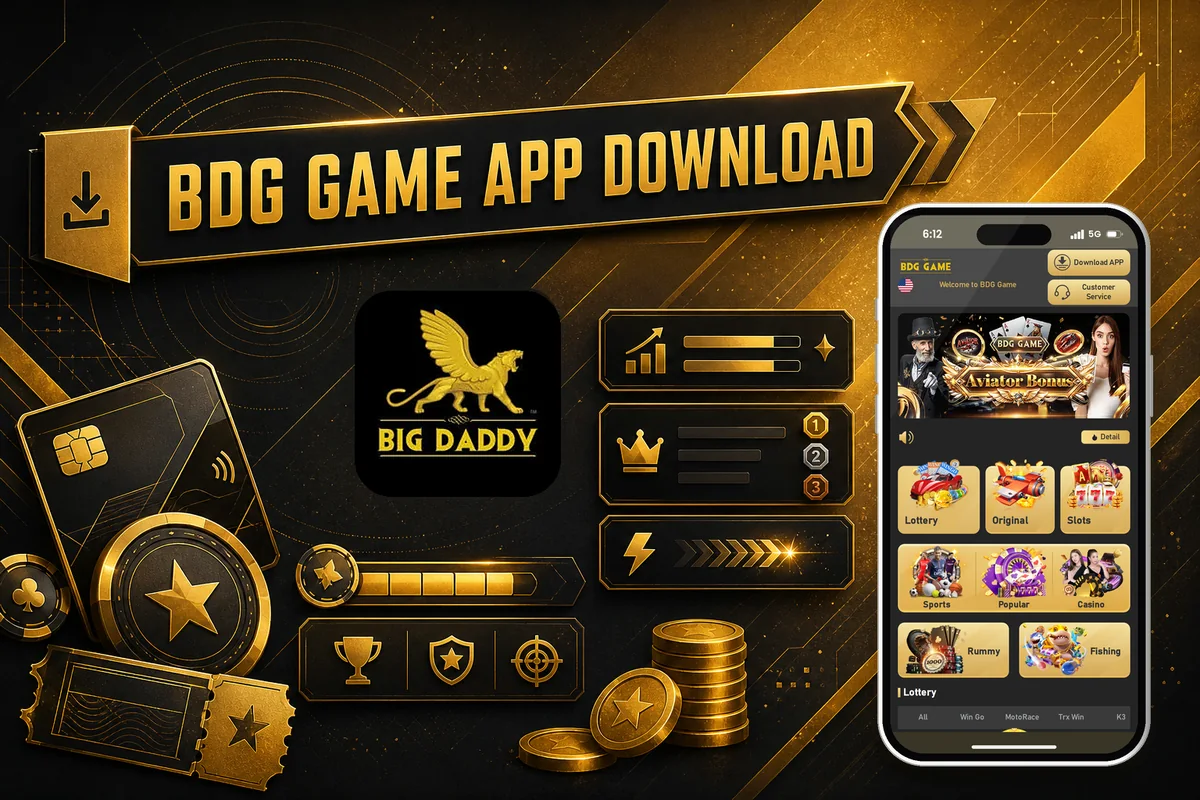
Step 1: Open the BDG Game website on your Android phone. Using the phone itself is easier because the APK file will download directly to the device where you want to install it.
Step 2: Tap the Download App link on the site to start the BDG Game APK download. Do not rename the file, as new players sometimes lose track of it in the Downloads folder.
Step 3: Once the download is complete, open the APK file from your browser download bar or phone Downloads folder. If your phone blocks it, go to the next step.
Step 4: Enable Unknown Sources when your Android phone asks for permission. On many phones, this setting is shown as “allow from this source” for the browser or file manager.
Step 5: Tap Install and wait for the app to finish installing. Keep the screen open until the process is complete, because closing it midway can stop the installation.
Step 6: Open the BDG Game App after installation and log in or register from inside the app. If the app does not open, delete the file and download the APK again from the website.
The main thing to check before a BDG Game Download is storage space and the source of the APK. Since the app version and file size can change, confirm these on the download page before you install.
If you prefer not to install an APK, you can still use the website version. BDG Game is useful when you want quicker access from your phone home screen.
BDG Game Login Steps For Website And App
BDG Game lets you sign in from the website or the app using the account details you created during registration. Keep your phone number and password ready before you open the login page.
For a focused login help page, use BDG Game Login. If you are on the app, make sure it was downloaded from the BDG website, because the app is not available on Play Store.
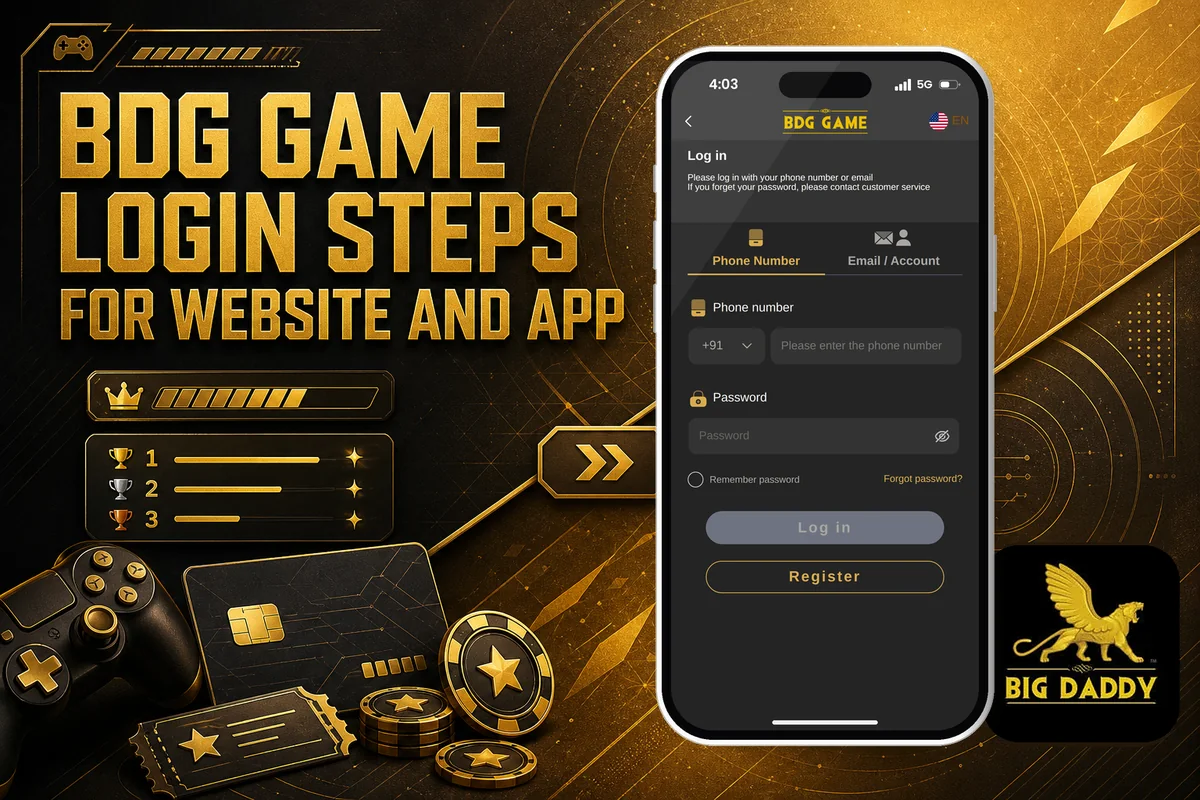
Step 1: Open the BDG website or the installed app on your phone. Use the same platform where you normally play, so you do not confuse old and new account details.
Step 2: Go to the account or login area. On mobile screens, the account tab is usually easier to spot at the bottom side of the page.
Step 3: Enter your registered phone number and password. Type them slowly, because most BDG Game Login issues come from one wrong digit or an extra space.
Step 4: Tap the login button and wait for the account page to load. Do not press again and again if the network is slow.
Step 5: If login fails, check your internet, phone number, and password first. Also check whether you are using the website or the app linked to your registered account.
If you forget your password, look for a password reset or forgot password option on the login screen. If you cannot find it, use Customer Service through live chat at the top of the home page.
Avoid creating a second account just because login failed once. First confirm your details, refresh the page, or try again after a short break.
How To Register On BDG Game With Invite Code?
BDG Game account creation is a short process on the website or app. If you want the detailed registration page, open BDG Game Register before you start.
Keep your phone number ready and decide a password you can remember. During BDG Game Sign Up, enter the invite code carefully because one wrong digit can stop the bonus from applying.
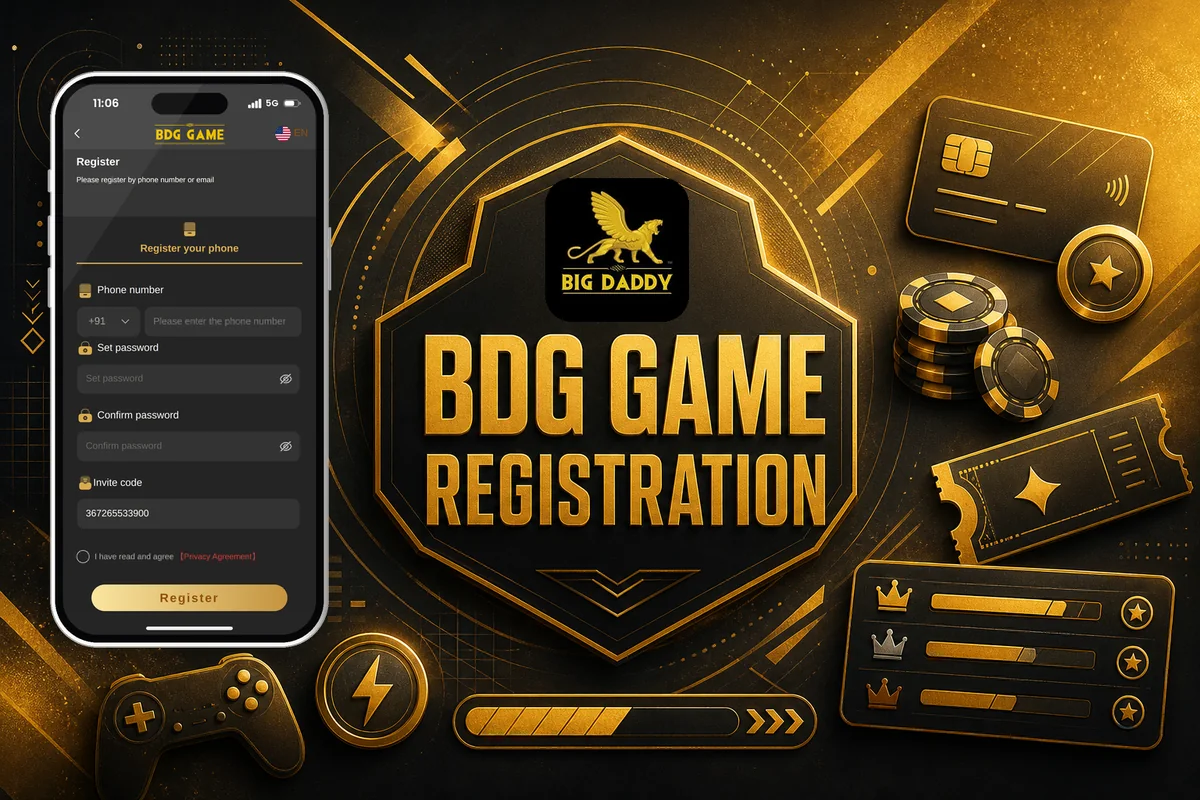
Step 1: Go to the BDG website on your phone. You can continue on the website or download the Big Daddy Game app from the notification at the top of the site.
Step 2: Open the account tab at the side bottom of the screen. This takes you to the account area where the sign up option is shown.
Step 3: Tap register. Do not confuse it with the login option, which is only for players who already have an account.
Step 4: Enter the required details, including your phone number and password. Check the phone number once before moving ahead, as it is usually the main account detail.
Step 5: Enter the BDG Game Invite Code 367265533900 if the form asks for an invite code. Type it exactly as shown so the sign up bonus can be linked correctly.
Step 6: Tap Register Now to create your account. Wait for the page to confirm the account before closing the screen.
A Rs.500 sign up bonus is shown as a limited offer for new registration. Check the app during sign up to see the current bonus status and any conditions attached to it.
After registration, use your phone number and password to access the account. If the page does not load or the code box is missing, go back once and try the BDG Game Register flow again.
How To Add Money To BDG Game?
BDG Game lets you add money from the wallet area after you log in. For a fuller payment page note, see BDG Game Deposit before you start.
Keep your account details ready and enter the amount carefully. Most payment mistakes happen when players rush from the wallet screen to the payment confirmation screen without checking the amount.
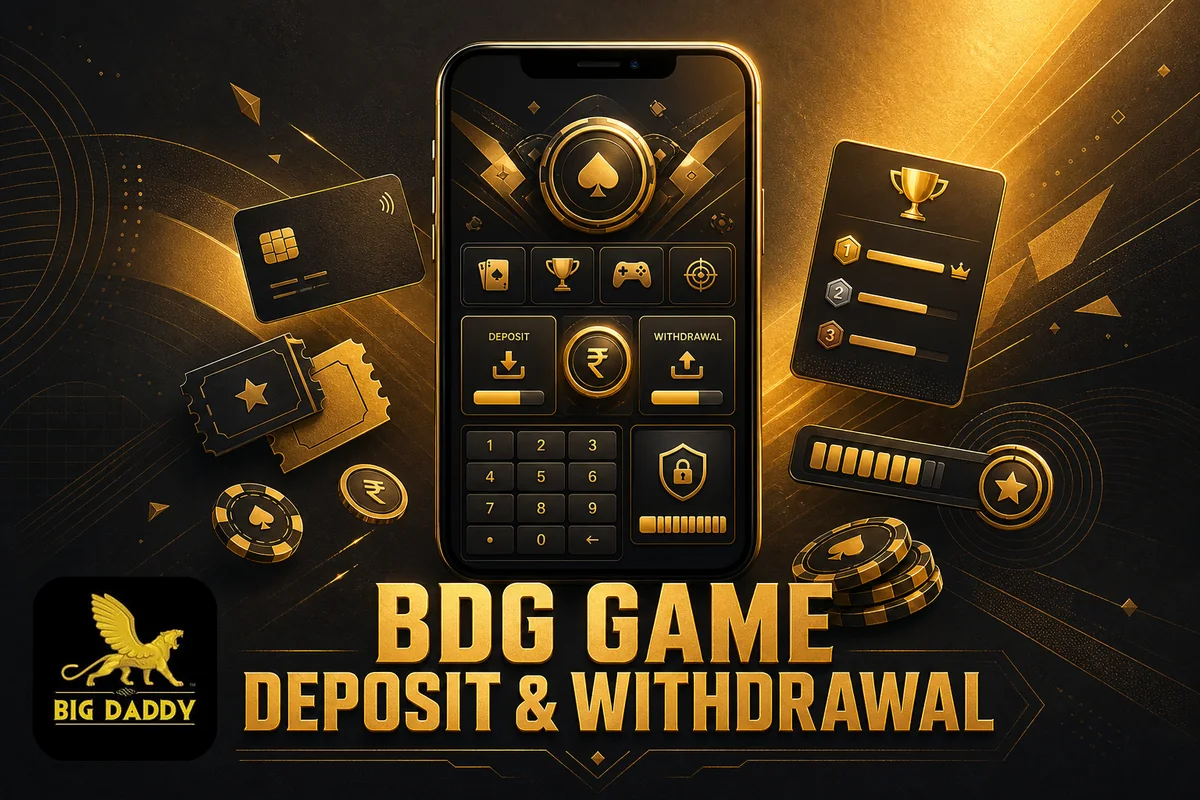
Step 1: Log in to your BDG account. Use the same account where you want the money to be credited.
Step 2: Go to the wallet section at the bottom of your screen. This is where deposit and balance actions are usually placed.
Step 3: Tap the deposit button. Check that you are on the add money screen, not the withdrawal screen.
Step 4: Choose an available payment method such as UPI. If more payment options appear in the app, use only the method you are comfortable completing correctly.
Step 5: Enter the amount you want to add and tap Deposit. Recheck the digits before you confirm, especially if you are typing fast.
Step 6: Follow the on-screen payment instructions to complete the payment. Do not close the payment page until the app shows the final status.
The minimum amount for a BDG Game Deposit is Rs. 100. If you try to add less than this, the payment may not move ahead, so check the amount before tapping Deposit.
After a successful payment, deposited money is instantly added to your BDG account. If the balance does not update at once, refresh the wallet screen and check the app status before trying another payment.
How To Withdraw Winnings From BDG Game?
BDG Game lets you place a withdrawal request from the wallet after your winnings show in the account balance. For a detailed cashout page, you can also read BDG Game Withdrawal before you submit your request.
Keep your bank details ready before you start. A small spelling or number mistake can delay the request, so check the account holder name, account number, and other required bank fields carefully.
Step 1: Log in to your BDG account from the website or app. Use the same account where your winnings are credited.
Step 2: Go to the wallet section at the bottom of the screen. This is where deposit and withdraw options are usually kept together.
Step 3: Tap the withdraw button. Do not rush here; first confirm that your balance is available for cashout.
Step 4: Add your bank account details. Enter the details exactly as they appear in your bank records, because wrong details can cause a failed or delayed payout.
Step 5: Enter the amount you want to withdraw and tap withdraw. The minimum withdrawal amount is Rs 110, so your amount should be at least this much.
Step 6: Wait for the request to be processed. Your BDG Game withdrawal request is processed within 24 hours.
The usual processing window is within 24 hours after you place the request. If the money does not arrive in that time, open the app and check the request status before raising a support query.
The maximum withdrawal amount is not listed here, so check the app for the current limit before entering a large amount. It is better to make sure your bank details are saved correctly before you use BDG Game Withdraw for the first time.
Payment Methods Available On BDG Game
BDG Game currently supports two payment methods for adding money: UPI and USDT. Pick the option that matches how you normally handle payments, then follow the on-screen instructions before confirming any amount.
For withdrawals, the app asks you to add bank account details. So keep your payment choice for deposit separate from your bank details for withdrawal settlement.

UPI
UPI fits best for quick rupee deposits on BDG Game. Choose it from the available payment options, enter the amount, and complete payment as instructed.

USDT
USDT is available as another deposit method inside BDG Game. Use it only if you already understand crypto transfers and check the app instructions carefully.
Before depositing, recheck the selected method, amount, and account details. Small mistakes in payment screens can delay balance updates or create avoidable support issues.
Smart Money Tips Before You Play
BDG Game has real-money play, so your first job is not to predict every result. Your job is to control how much you put in, how long you play, and when you stop.
Many new players make the same mistake: they treat the wallet balance like extra money. Keep BDG Game separate from your daily budget, and decide your limit before you open any game.

Fix Your Budget
Choose an amount you can afford to lose before you play. Do not increase it because one round felt close or because your balance changed quickly.

Read Game Rules
Different games work in different ways, from lottery to slots, casino, and sports betting. Read the rules first so you know what each selection means.

Avoid Chasing Losses
A loss does not mean the next round must recover it. Results can be uncertain, so pause instead of adding more money in frustration.
Track Wallet Movement
Check your wallet balance before and after every session. This helps you spot fast spending and keeps your BDG Game play under control.

Use Small Sessions
Short sessions make it easier to stop on time. Set a play period in your mind, then leave when it ends, even if you want one more round.
Keep Winnings Separate
If winnings are credited to your account balance, do not treat the full balance as fresh playing money. Decide what to keep aside before playing again.
Only play if you are 18+ and understand the real-money risk. BDG Game can offer different game choices, but no tip can make results certain, so protect your bankroll first.
BDG Game Bonus Offers And Invite Code Rewards
BDG Game gives a simple sign-up offer for new players, but the main point is the code. If you want the bonus linked to joining, register through the invite code instead of creating a plain account.
Use the BDG Game Invite Code before you finish registration, because many new players skip this box and then cannot claim the code-based offer later.
Sign up bonus
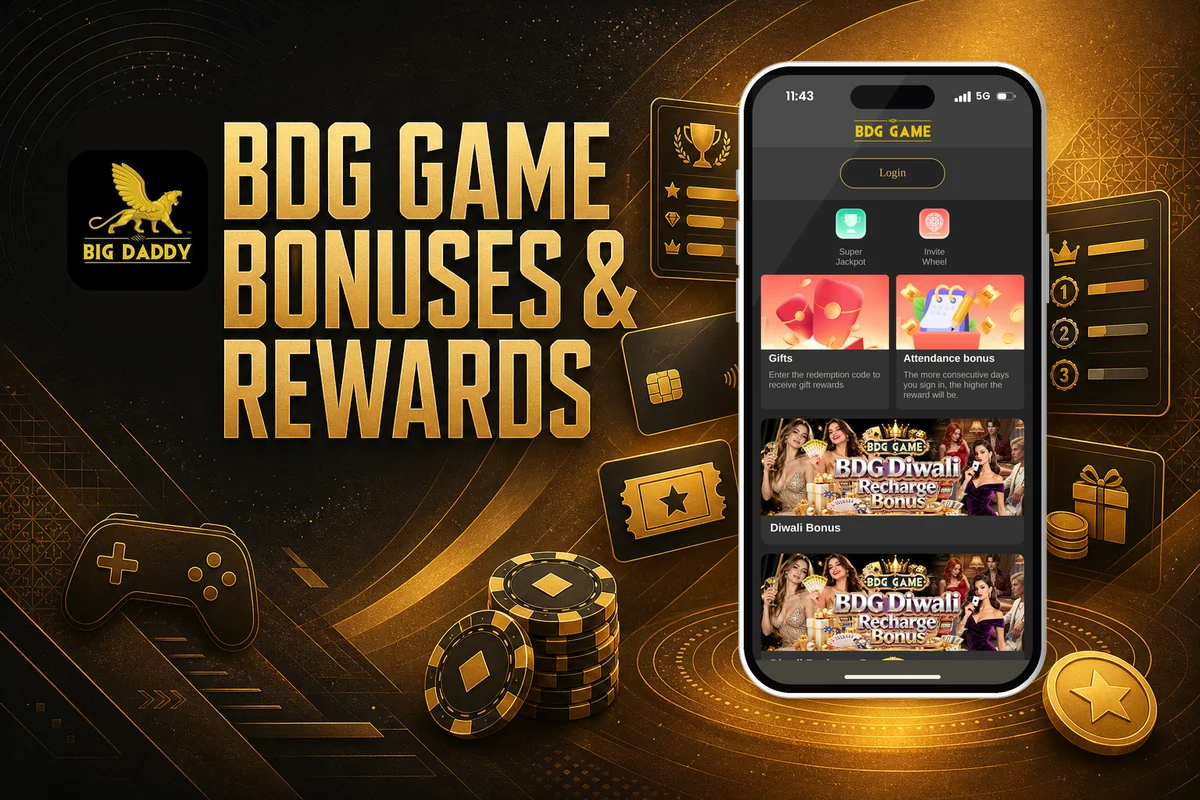
New players can get a Rs.500 limited offer as a sign-up bonus. To qualify, register and enter invite code 367265533900 if asked during account creation. Do not rush the register screen; check the code field before tapping Register Now.
Invite code reward
The invite code 367265533900 is used to get a sign-up bonus when you create your account. This is the key condition: you should register through the code, not add it after joining unless the app clearly allows it.
Referral commission
After joining, you can get your unique referral code or link from the Promotion section. Share it with friends or family, and when someone signs up using your referral code or link, you receive a commission. Check the app for current commission rules.
Before using any BDG Game Bonus, read the bonus terms inside the app. Look for wagering rules, validity, withdrawal conditions, and whether the offer is still active, because bonus conditions can change without showing on the main screen.
Referral Code And Commission Earnings
BDG Game gives you a referral option inside the Promotion area, where your unique referral code or link is shown. This is the code or link you share with friends or family when they want to create a new account.
After you log in, open the promotion section and copy the referral code or link shown there. Share it only with people who understand how real-money gaming works, because the commission depends on them signing up through your correct link or code.
A common mistake is sending a screenshot or typing the code wrongly. It is better to copy the referral link directly from the app or website, then paste it in a message. If you share only the code, ask your friend to enter it carefully during sign up.
Commission is earned when someone signs up using your referral code or link. The app tracks that new account under your referral, so avoid using old links, edited links, or codes taken from random posts.
If you are checking this for the first time, open the BDG Game promotion area before sharing anything. Look at the current referral details inside the account, because commission rules can change and the app will show the latest terms.
Bank Account Setup For Deposits And Withdrawals
BDG Game needs your bank account details before you use the wallet for money movement. This is not a step to rush through. Your deposits and withdrawals depend on the account details linked inside the wallet.
When you add a bank account, type the name, account number, and other required details exactly as shown in your bank records. A small spelling mistake or wrong digit can delay a withdrawal request, because the payment has to match the linked account. New players often check only the amount and miss the account details.
Deposits are added to your BDG Game account instantly after the payment is completed. If you pay through an available method such as UPI or USDT, wait for the wallet balance to update before you start playing. Do not make the same payment again just because the screen takes a little time to refresh.
Withdrawals work in the opposite direction. You place the request from the wallet, and the money is sent based on the bank account details added there. BDG Game processes withdrawal requests within 24 hours, so check the status in the app and avoid changing account details while a request is pending.
Before you deposit or withdraw, confirm that the linked bank account belongs to you and is active. Also check the current app screen for any extra limit, document, or verification requirement, because these can affect how quickly your wallet request moves.
Where To Get Help Inside The App?
In BDG Game, help is available through live chat. You can open it by tapping the Customer Service option at the top of the home page.
Use BDG Game Customer Care when you are stuck with account access, payment status, game rules, or a feature you cannot find. Keep your registered mobile number and clear details ready, because support can act faster when your message is specific.
If your deposit, withdrawal, or balance looks different from what you expected, do not keep trying the same action again. First check the wallet screen, then contact customer service with the amount, time, and any transaction reference shown in BDG Game.
New players often send only “payment failed” or “withdrawal not received”. A better message says what you tried, which screen showed the issue, and what result you got. This helps BDG Game Customer Care understand the problem without asking many repeat questions.
Safe Play And Responsible Gaming Tips
BDG Game involves real money, so safe play starts before you place any round. Keep your account private, use only your own payment details, and decide a budget before you start.
You must be 18+ to play. Rules for real-money gaming can differ by state in India, so check what applies in your location before using BDG Game.
- Protect Login Details: Use a strong password and do not share your OTP, phone access, or account details with anyone. Most account issues start with simple sharing mistakes.
- Use Your Own Bank: Add only your own bank account or approved payment option. Mismatched names can create payment checks and may delay your access to funds.
- Set A Budget: Fix a playing amount before you begin and stop when it is used. Do not add extra money only to recover a previous loss.
- Understand Game Risk: Lottery, slots, casino, and sports betting results can be uncertain. A win is never assured, so treat every round as paid entertainment, not income.
- Check Rules First: Read the rules of the game you choose before playing. New players often skip this and then misunderstand round timing, result display, or balance changes.
- Watch Your Balance: Check your account balance after deposits, wins, and withdrawals. If something looks wrong, pause play and use the in-app support option instead of making repeated attempts.
Responsible play on BDG Game is mainly about control. Keep your account secure, play only with money you can afford to lose, and take a break when decisions start feeling rushed.
Pros And Cons For Real-Money Players
BDG Game gives you website and app access with real-money games like lottery, slots, casino, and sports betting. Before you add money, look at both sides carefully because small setup details and money rules can affect your play.
Pros
- You can play through the website or install the app, so you are not limited to only one access option.
- The game range is broad, with lottery games, slots, casino games, and sports betting available in one place.
- The minimum deposit is Rs. 100, which helps you start with a smaller amount instead of committing too much at once.
- Deposited money is added instantly to your BDG Game account balance, so you can check whether the payment has gone through before playing.
- Winnings are credited instantly to your account balance, which makes it easier to track your available funds inside the app.
Cons
- The app is not available on Play Store. You need to download an APK and install it manually, so use only the BDG Game website link and avoid random files.
- The minimum withdrawal amount is Rs 110, so a very small balance may not be enough to withdraw.
- Real-money games carry risk, and results can be uncertain. Play only if you are 18+ and can afford to lose the amount you deposit.
- You may need to enable Unknown Sources for installation, which new players often do without checking the file source properly.
- iOS availability is not stated, so iPhone users should check the current options on the website before planning to play.
Common Questions New Players Ask
How do I log in to BDG Game?
You can log in on the BDG website or through the app. Use the account details you created during registration. If the page does not open properly, check that you are using the correct website address and not an old saved link.
Where can I download the BDG app?
Use the Download App link on the BDG website and get the APK file from there. The app is not available on the Play Store, so you need to install it manually. Do not download random APK files from unknown pages, because that is where many new players make mistakes.
How do I register a new BDG account?
Go to the BDG website, open the account tab at the side bottom, and click on register. Fill in details such as your phone number and password. If an invite code is asked, enter 367265533900, then click Register Now to create the account.
Can I play BDG Game on PC?
Yes, BDG games are available through the website, so you can use the platform on a PC browser. This is useful if you prefer a bigger screen for checking games and account options. The app is also available for players who want to use a mobile device.
What payment methods can I use for a BDG deposit?
After you log in, go to the wallet section at the bottom of the screen and click deposit. Choose from the available payment options shown in the app, including UPI and USDT. Enter the amount, click Deposit, and follow the instructions shown on your screen.
What is the minimum deposit on BDG Game?
The minimum deposit amount is Rs. 100. Before adding money, check the amount carefully on the payment screen and confirm that you are using the right account. Deposited money is added instantly to your BDG account balance after the payment is completed.
What invite code should I use during registration?
You can use invite code 367265533900 if the registration page asks for one. This code is linked with the sign up bonus offer. Enter it exactly as shown, because typing one wrong digit is a common reason players miss the code during account creation.
Is there a sign up bonus on BDG?
There is a Rs.500 sign up bonus listed as a limited offer. You need to register and use the invite code 367265533900 when asked. Bonus offers can change, so check what the registration page shows before you create the account.
Final Thoughts Before You Play
BDG Game gives you one place to try lottery, slots, casino, and sports betting games with real money. That variety is useful, but it also means you should read each game’s rules before you place a bet.
Keep your play simple. Set a budget, avoid chasing losses, and remember that results can be random and uncertain. Real-money gaming is for 18+ players only, and you should also check the rules in your state before playing.
If BDG Game suits the way you want to play, start with a small amount and use the account controls carefully. Treat it as paid entertainment, not as a way to earn regular income.
More BDG Game guides: